

Screens you control from your phone.
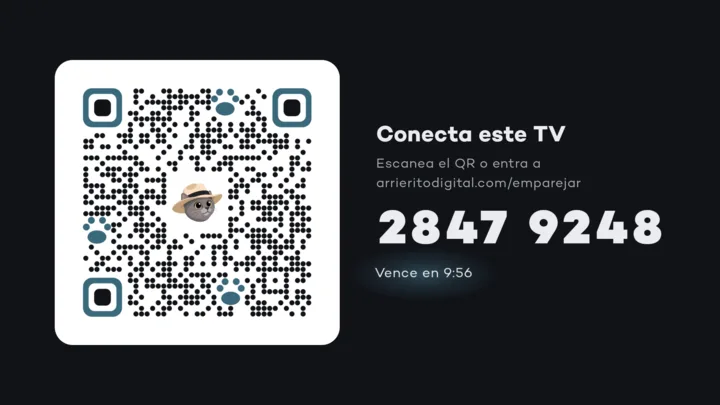
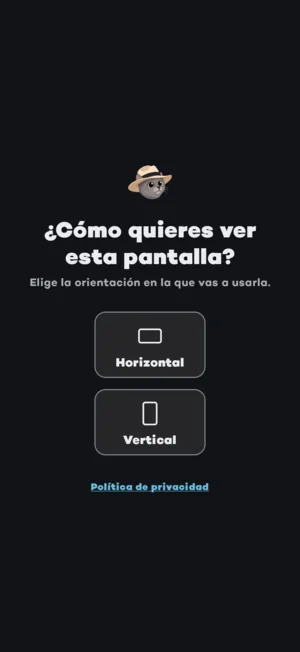
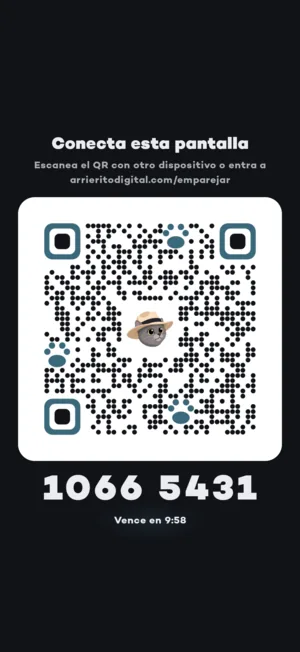
Install the app on your store's TV, tablet or phone, pair it with a QR code and choose what to show from your dashboard. No cables, no technician visits.





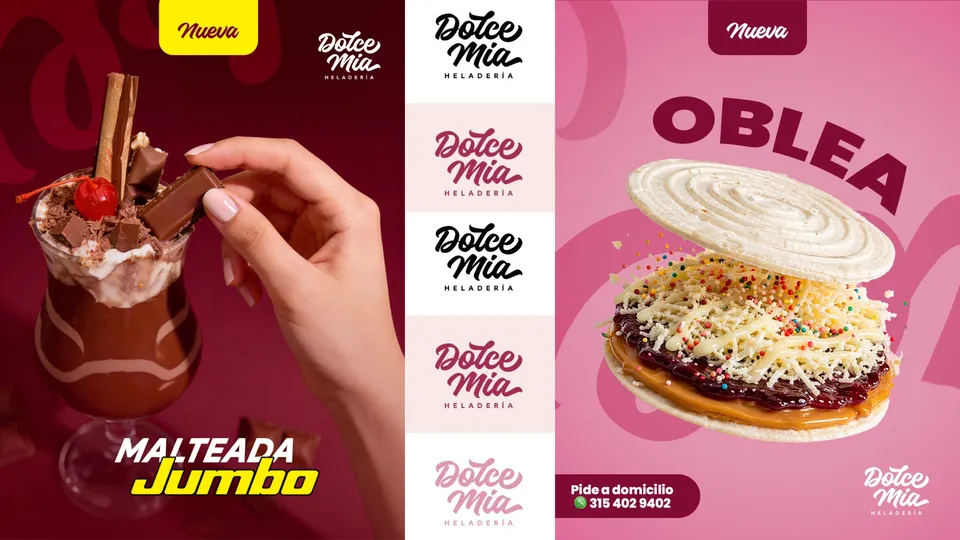





One app for your TV, tablet and phone
- Android TV
- Google TV
- Tablet
- Phone
- Android 12 or later
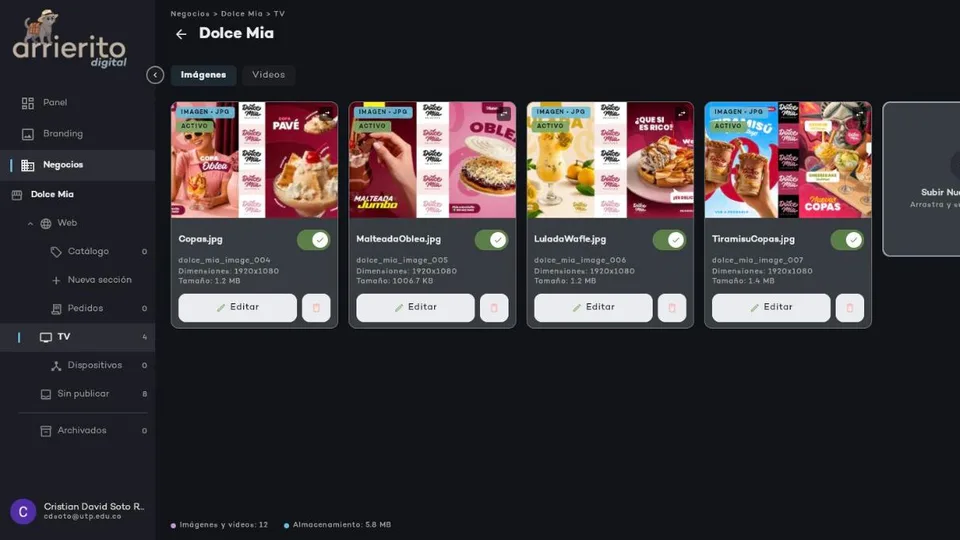
And you run it all from your dashboard, on your computer or your phone.
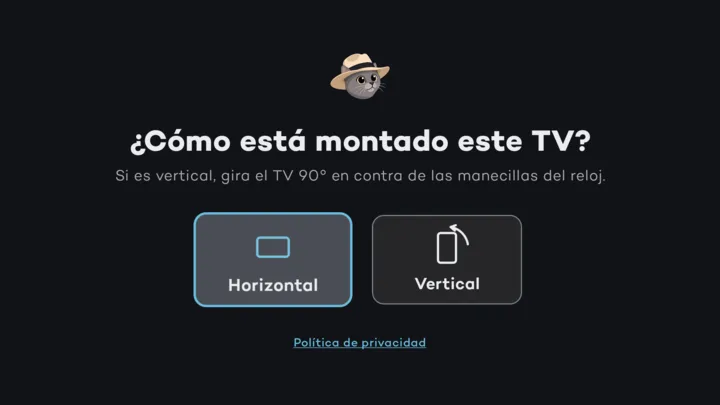
Coming soon to Google PlaySet up your screen in four steps.
Frequently asked questions
What kind of TV do I need?
An Android TV or Google TV running Android 12 or later. An Android tablet or phone works too.
Do I need to be online all the time?
Only to download your content. If the connection drops, the screen keeps playing the last content it downloaded.
How many screens can I connect?
The free plan comes with one screen and the Screens ×3 plan comes with 3. Need more? Add another pack of 3, up to 6 per location, including the free screens on your website plan. Have more than one location? Let's talk.
How much content can I upload?
It depends on your plan: 25 MB on the screen plans, the Presence Plan and the Business Plan; 50 MB on the Growth Plan, and by agreement on the Enterprise Plan.
How does the free screen plan work?
You pay nothing for one screen. In exchange, we show ads from other brands 30% of the time it's on.